The row counter for knitting and crochet
Open it.
Tap. That's a row.
Tap Count turns your whole iPhone or iPad screen into a row counter. No project to create, no pattern to import, no tutorial, no trial.
Free. iPhone and iPad, iOS 18 or later.
Press to add a row. Use the left arrow key to take a row back.
How it works
How do you count rows with Tap Count?
Open the app and tap anywhere on the screen when you finish a row. The number goes up by one and is saved at once. Tapped by mistake? Swipe left to take the row back. There is nothing to set up first.
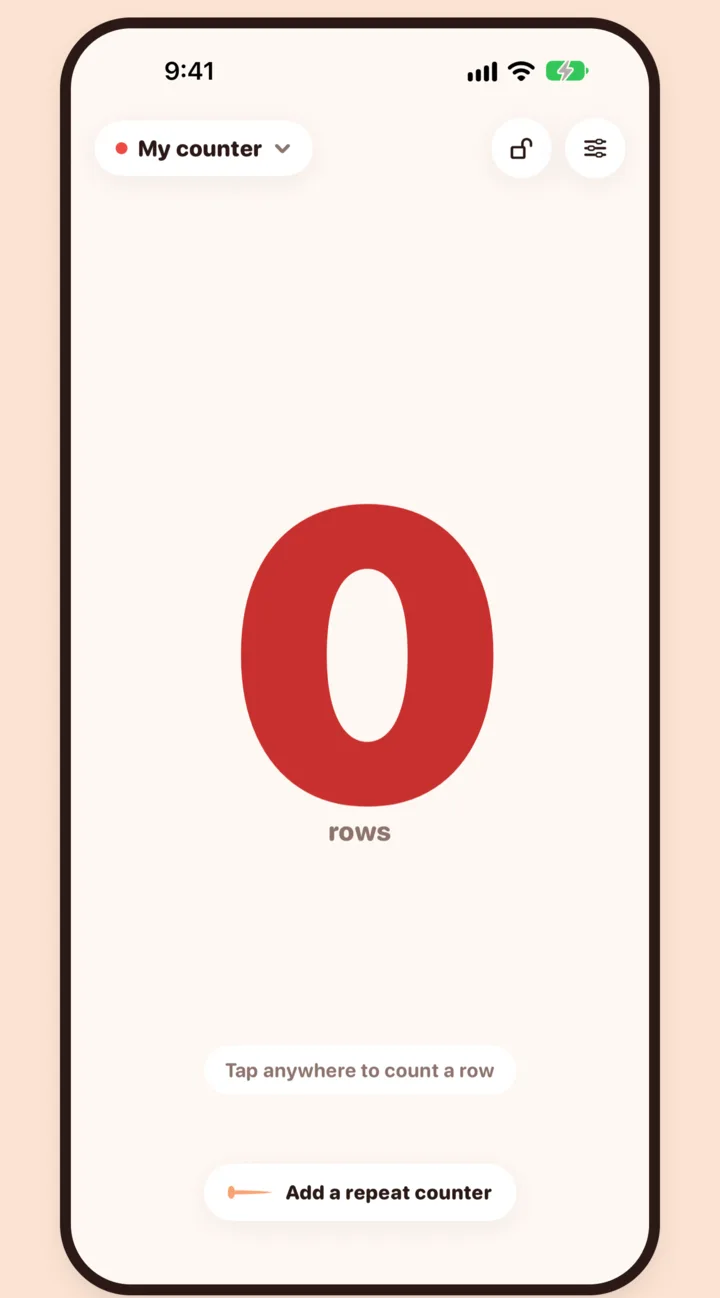
1 · Open
Open it.
No project, no tutorial. The counter is already there.
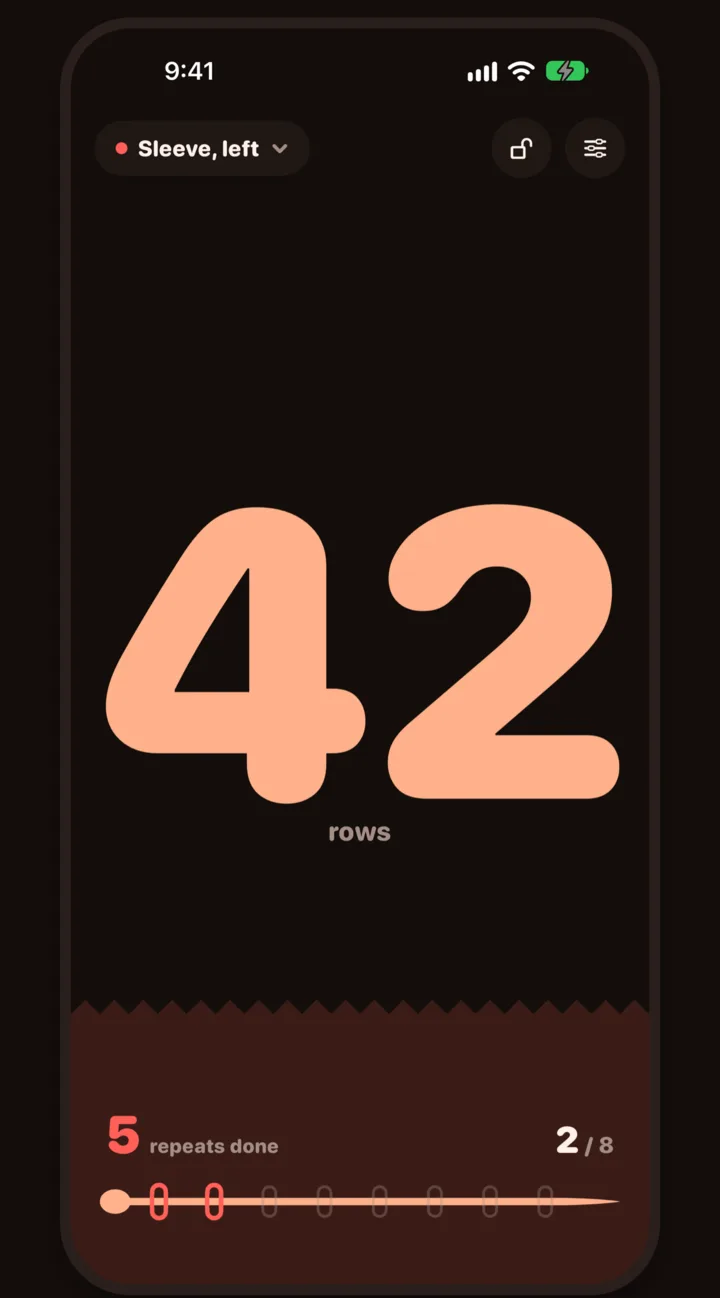
2 · Tap
Tap anywhere.
The whole screen is the button. One tap, one row.
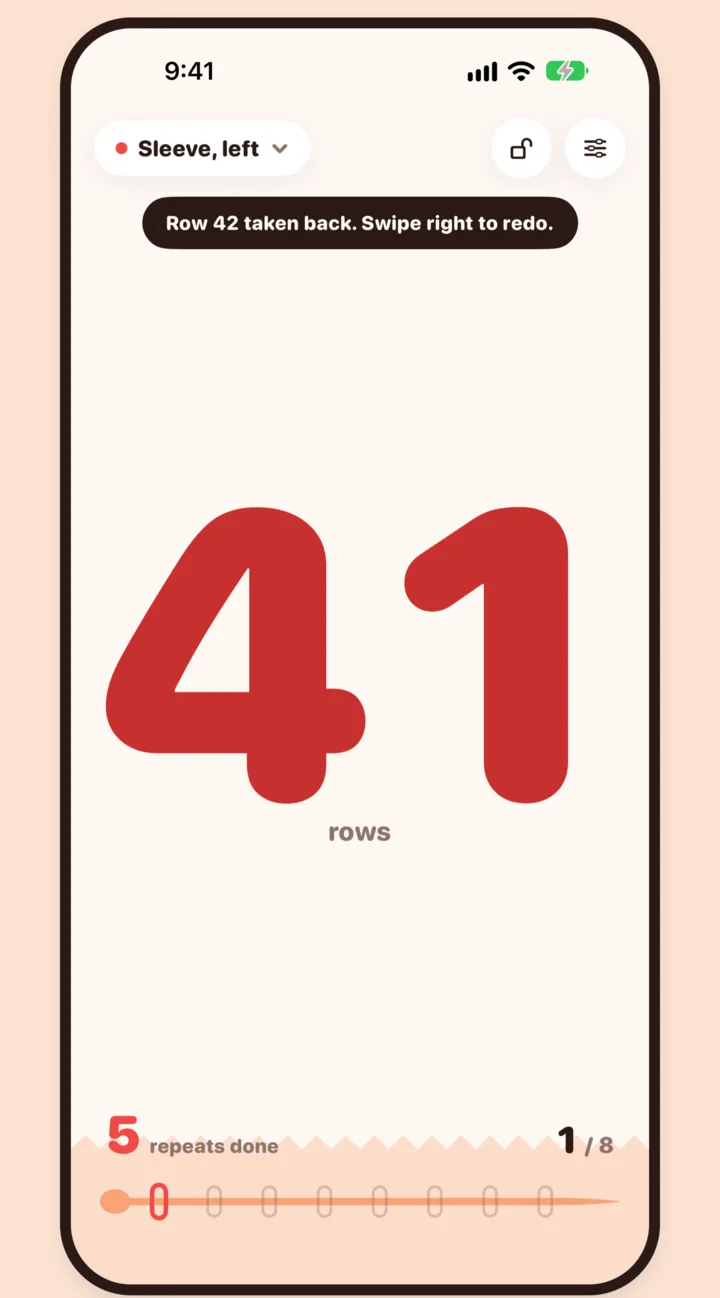
3 · Fix
Swipe to take it back.
Left to undo a row, right to put it back.
Repeat counter
What is a repeat counter, and why do you need one?
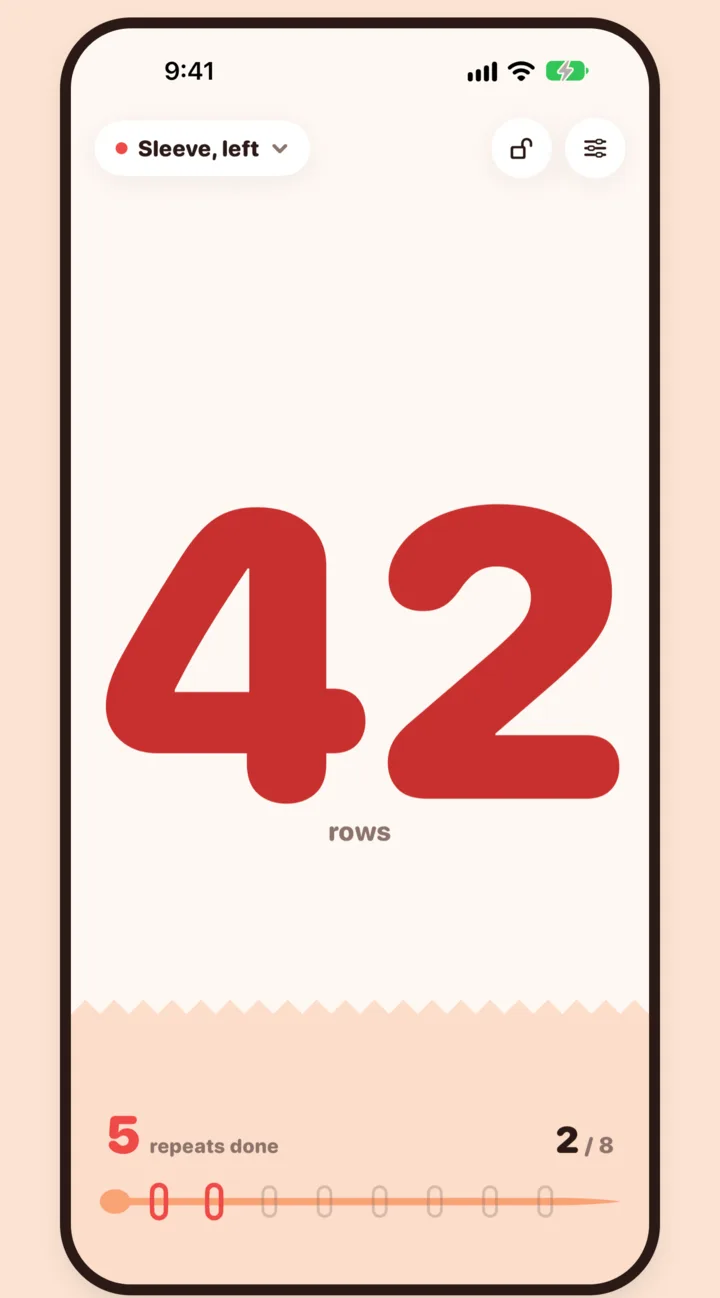
A repeat counter tracks where you are inside a pattern that repeats every few rows, like a cable every 8 rows. Set the length once and Tap Count shows row 3 of 8, starts over on its own at the end of each repeat, and counts the repeats you have finished.
- One row counter and one repeat counter, side by side, both free.
- The screen fills up as a repeat goes, so you see where you are at a glance.
- A stronger haptic when a repeat is done, so you can feel it without looking.
No ads.
Nothing between you and the next row.
No account.
Nothing to sign up for. Counts stay on your device.
No trial.
The counter is free forever, not for 7 days.
Made for knitting time
What makes Tap Count easy to use mid-project?
Tap Count is built for hands full of yarn. The numbers are huge, the screen stays awake while you count, and tap lock ignores stray taps from a sleeve or a pocket. Every tap is saved the moment you make it.
Read it from the couch
Numbers sized to the whole screen, in light or dark.
Screen stays awake
No reaching over to wake your phone mid-row.
Feel every row
A soft haptic tap or a soft click on each count.
Tap lock
Stops stray taps from a pocket or a sleeve.
Never loses a count
Saved on every tap. Survives a restart.
One hand, any size
VoiceOver, large text and every iPad orientation.
Widgets with +1
Count from the Home Screen or Lock Screen.
10 languages
English, Spanish, French, Portuguese, Russian, Arabic, Hindi, Bengali, Urdu and Chinese.
Price
Is Tap Count free?
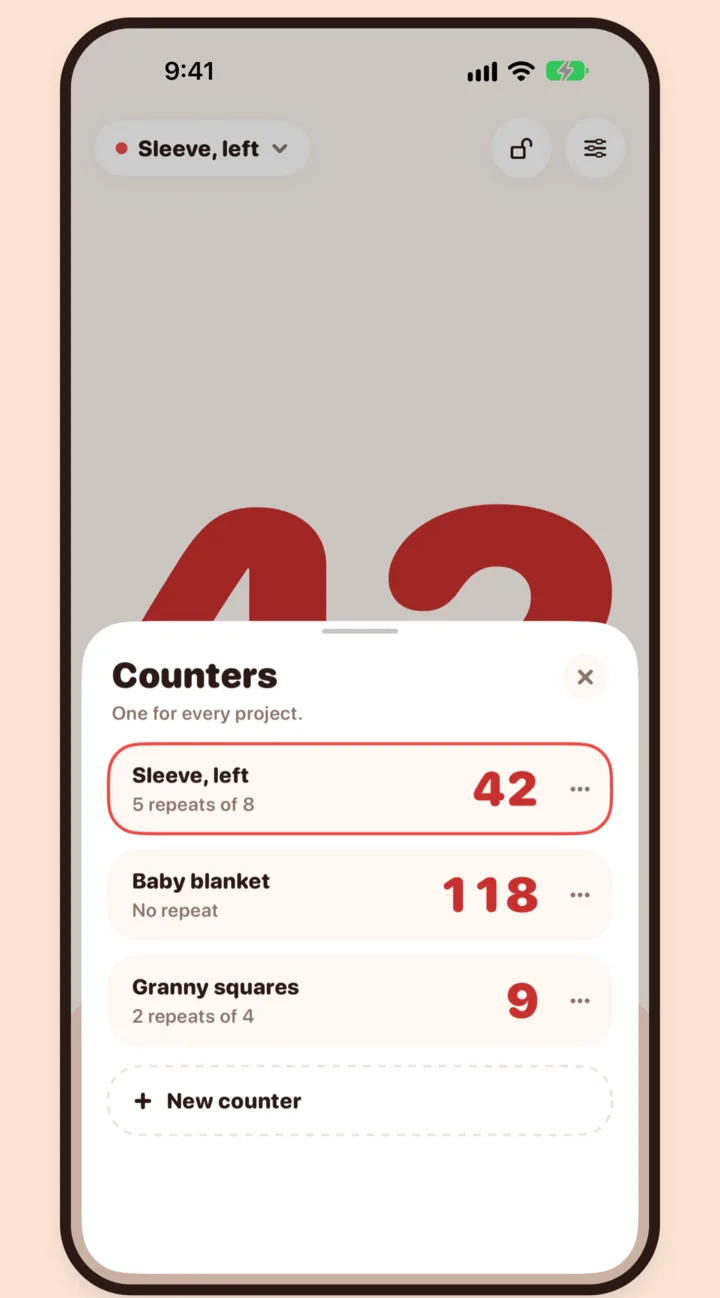
Yes. Your first row counter and repeat counter are free forever, with no ads, no subscription and no trial. A one-time $2.99 purchase adds named counters for every project, five color themes and widgets. Family Sharing is on.
| What you get | Free | Unlock, $2.99 once |
|---|---|---|
| Row counter | Yes | Yes |
| Repeat counter | Yes | Yes |
| Undo and redo by swipe | Yes | Yes |
| Named counters | One | One per project |
| Color themes | Needle red | Five themes |
| Home and Lock Screen widgets | No | Yes, with +1 |
| Ads, account, tracking | None | None |
Compared
Row counter app vs. clicker vs. pen and paper
A clicker counter is cheap but has no undo and resets if it is bumped. Pen and paper never runs out of battery but needs both hands. A row counter app like Tap Count counts with one tap, undoes a mistake with a swipe and keeps every project's count separately.
| Tap Count | Clicker counter | Pen and paper | |
|---|---|---|---|
| Count a row | Tap anywhere | Press a button | Put down needles, write |
| Undo a mistake | Swipe left | Not possible | Cross it out |
| Pattern repeats | Counted for you | Do the math | Do the math |
| Several projects | One counter each | One clicker each | One page each |
| Cost | Free, $2.99 extras | A few dollars | Free |
If you knit with your phone nearby, an app counts faster and never loses your place. If you like a physical object, a clicker is fine for simple rows without repeats.
Questions
Frequently asked questions
What is a row counter for knitting?
A row counter keeps track of how many rows you have knit or crocheted, so you can follow a pattern without losing your place. Tap Count is a row counter app for iPhone and iPad: the whole screen is the button, so you tap once at the end of each row and the number goes up by one.
Can I use Tap Count for crochet?
Yes. Tap Count counts anything you do one at a time: rows and rounds in crochet, rows in knitting, repeats in amigurumi, granny squares, or stitches in a tricky section. Name a counter for each project with the one-time unlock.
Does Tap Count work on iPad?
Yes. Tap Count runs on iPhone and iPad with iOS or iPadOS 18 or later. On iPad it works in every orientation and alongside other apps, so you can keep your pattern open next to the counter. The app is available in 10 languages.
Does Tap Count collect my data?
No. Tap Count has no account, no server, no analytics and no tracking. Your counters live only on your device. The App Store privacy label for Tap Count is Data Not Collected. Read the privacy policy.
What happens to my count if I close the app?
Nothing. Every tap is saved the moment you make it, so your count is still there after you close the app, switch to your pattern, or restart your phone. Only you can reset a counter, and Tap Count asks before it does.
How do I get help?
Email support@tapcount.art or visit the support page. A person reads every message.